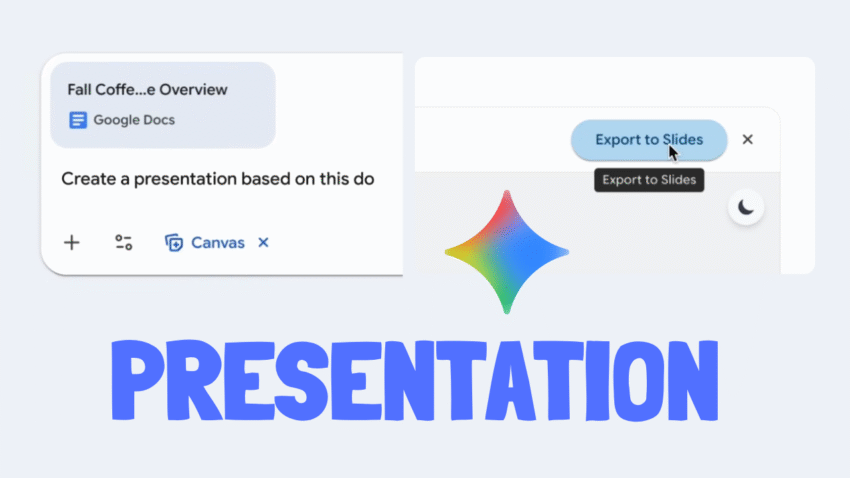
If you’ve ever stared at a blank presentation slide, not knowing where to start, Google has just released a new tool that might be your new best friend. It’s called Canvas, and it’s a new feature inside Google’s AI assistant, Gemini.
In simple terms, Gemini Canvas is a tool that automatically builds a complete, polished presentation for you based on a few simple instructions or your own notes.
Let’s break down exactly what this is, how it works, and why it’s a big deal for people who aren’t tech experts.
Go from blank slide to polished presentation faster with Canvas in Gemini.
— Google Gemini App (@GeminiApp) November 3, 2025
Now you can ask Gemini to “create a presentation” with a single prompt (and all your project notes). Try it out for yourself:
What is This Tool, Really?
Think of Google Gemini as a very smart assistant, similar to other AI tools you might have heard of. You can ask it to write emails, answer questions, or summarize long articles.
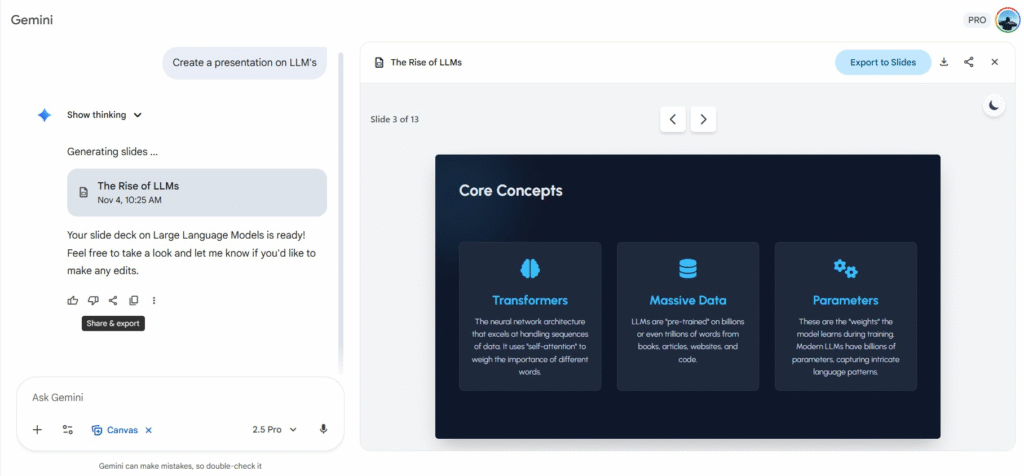
“Canvas” is a new, specialized skill for this assistant. Its one and only job is to take your ideas whether they’re in a messy document, a list of bullet points, or even just a single sentence and turn them into a professional-looking presentation deck (like a Google Slides or PowerPoint presentation).
The Problem It Solves
Making presentations is often the hardest part of a project. You have to:
- Organize your thoughts into a logical flow.
- Decide what text goes on each slide.
- Choose fonts, colors, and layouts.
- Find relevant images or create charts.
This process can take hours and be very frustrating, especially if you’re not a designer. Canvas is designed to do all that heavy lifting for you.
How Does Gemini Canvas Work?
Based on the announcement, the process is very straightforward:
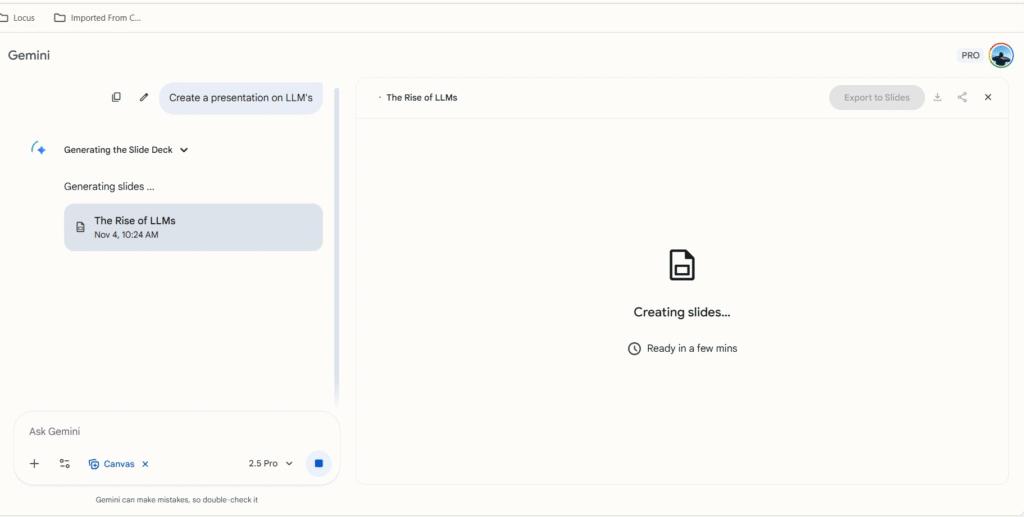
- You Start with a Prompt: You open Gemini and simply ask it to “create a presentation.”
- You Provide Your Notes: You can give it a topic (like “Create a presentation on the basics of gardening for beginners”) or paste in all your project notes (like a research document or a meeting agenda).
- Gemini Builds the Slides: The AI reads and understands your information. It then designs a full presentation from scratch. This includes:
- Creating a title slide.
- Writing and organizing your notes into separate, easy-to-read slides.
- Choosing a professional design and layout for the whole deck.
- (And likely, in the future, adding relevant images or graphics).
- You Get a Finished Deck: In a very short time, Gemini gives you a complete presentation. You can then (most likely) edit it, make small changes, or just use it as-is.
So, instead of you spending an hour building 10 slides, you give Gemini your notes and it builds those 10 slides for you in a minute.
Google's Gemini just got a major update.
— NearExplains AI (@nearexplains) November 4, 2025
Its "Canvas" feature can now take a simple prompt or your project notes and automatically build a complete, polished presentation deck for you. pic.twitter.com/DM3ViQJyIF
Who Is This For?
This tool is useful for almost anyone, but it’s especially helpful for:
- Students: Quickly turning class notes or a research paper into a project presentation.
- Professionals: Creating a draft for a team meeting, a sales pitch, or a project update without spending hours on formatting.
- Anyone new to presentations: It helps you get over the “blank page” fear and gives you a solid, well-designed starting point that you can be confident in.
The Big Picture: What This Means for You
You don’t need to be a tech expert to understand this: AI is getting better at handling tasks that are creative but also time-consuming.
This update isn’t about replacing you. It’s about saving you time. It’s like hiring a personal design assistant who is incredibly fast. You still provide the ideas and the important information; Gemini Canvas just handles the formatting and design so you can focus on what you actually want to say.
In short, Google’s new Canvas feature in Gemini makes creating presentations as easy as writing an email.