Google is calling this its biggest update ever. Here’s a simple guide to the new AI features coming to your browser and how they’ll change the way you use the internet.
Google is adding its powerful artificial intelligence, known as Gemini, directly into the Chrome browser. Think of it as upgrading your car from a standard model to one with a super-smart, voice-activated assistant that can not only give you directions but also help you plan your entire trip and book your hotels.
1. Your New AI Assistant: Gemini in Chrome
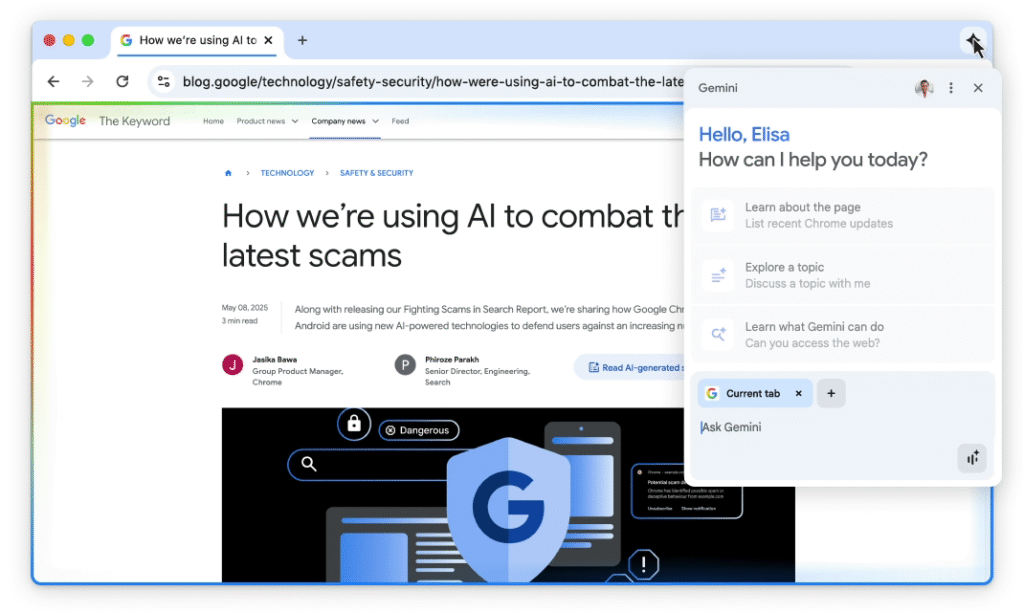
The biggest news is that Gemini is now built right into Chrome (starting with U.S. users on Mac and Windows).
You’ll be able to open a Gemini side panel and ask it questions about the webpage you’re looking at. For example, if you’re on a complicated article about finance, you could ask Gemini, “Explain this to me like I’m a beginner” or “What are the three main takeaways from this page?”
2. An Assistant That Does Things for You
This is the most futuristic part. Soon, Gemini won’t just answer questions; it will do tasks for you. Google calls this “agentic capabilities.”
In simple terms, you’ll be able to give it multi-step commands like:
- “Find me a good recipe for lasagna, create a shopping list, and add it to my grocery order.”
- “Book me a haircut for next Tuesday afternoon at any salon nearby.”
Gemini will then handle the tedious work of clicking through websites, comparing options, and filling out forms. Google says you will always be in control and can stop it at any time. This could turn a 30-minute chore into a 3-click task.

3. Understands All Your Open Tabs
We all do it: we open 10 different tabs to plan one thing. You might have one tab for flights, one for hotels, and three for “best restaurants.”
With the new update, you can ask Gemini to look at all your open tabs and make sense of them. For example, you could ask, “Based on my open tabs for my trip, create a simple itinerary for me” or “Compare the reviews of these three products I have open.”
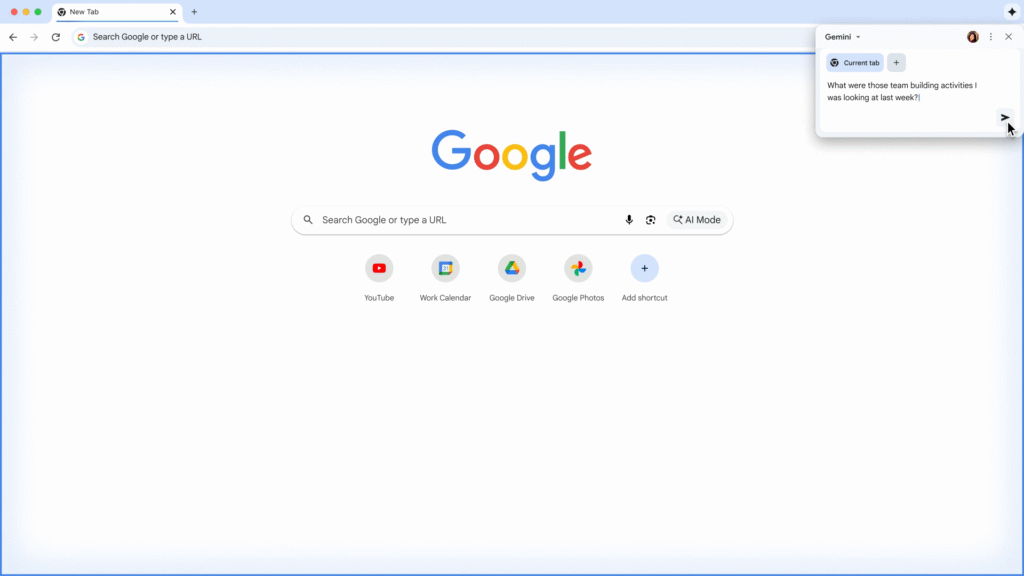
4. Finds Websites You Vaguely Remember
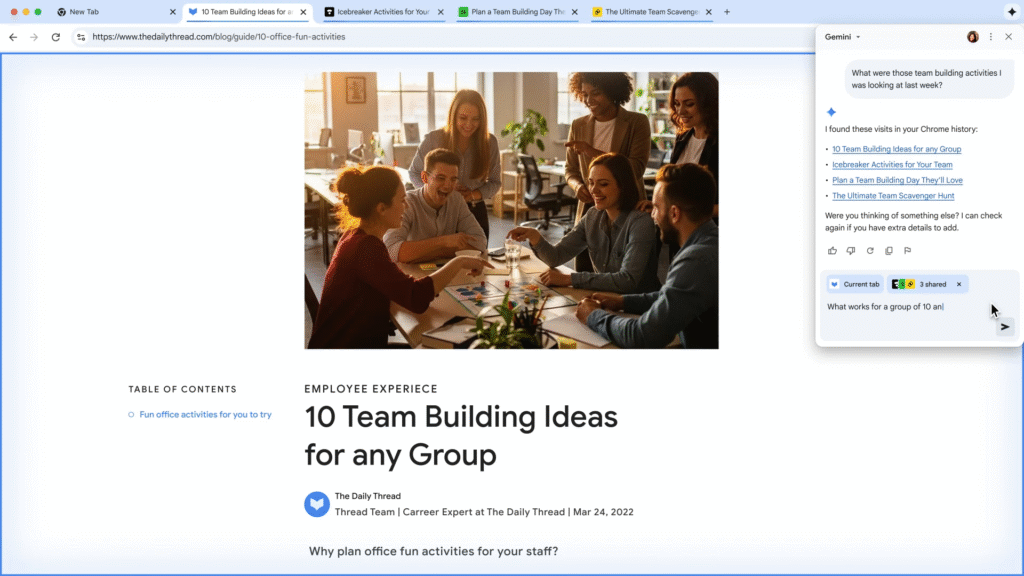
Ever try to find a webpage you visited last week, but you can’t remember the name? Soon, you’ll be able to ask Gemini in plain English.
You can try prompts like, “What was that website I saw last week with the walnut desk?” or “Find that blog post I read about back-to-school shopping.” Gemini will search your history to find what you’re looking for.
5. Works With Your Other Google Apps
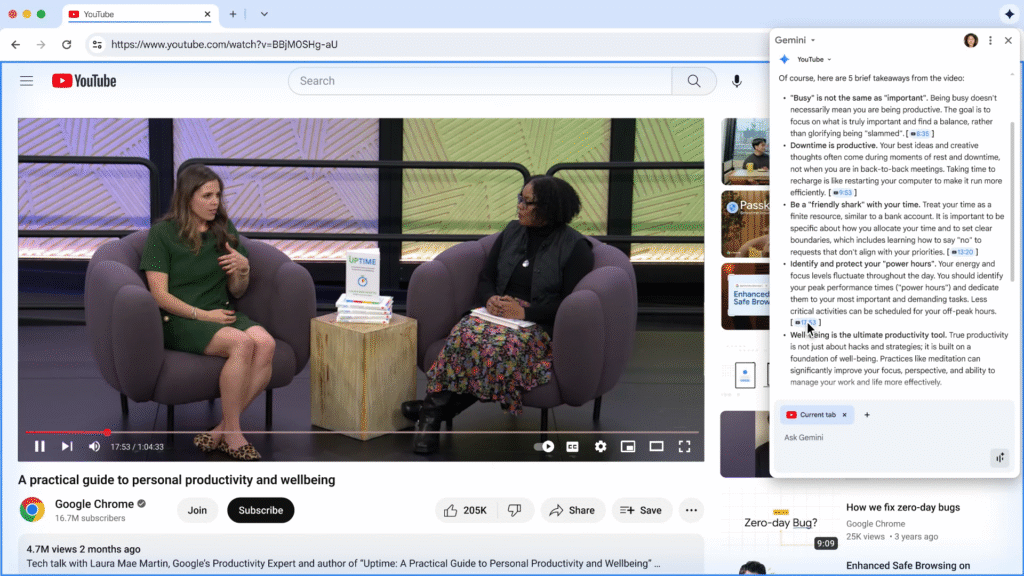
Gemini will be able to connect with Google apps like YouTube, Maps, and Calendar without you having to switch tabs.
For instance, if you’re watching a long YouTube video, you could ask Gemini, “Find the part in this video where they talk about a specific tool,” and it will take you right to that moment. Or you could say, “Schedule a meeting based on this email” and it will pop open your Calendar.
6. A Smarter Search Bar (Omnibox)
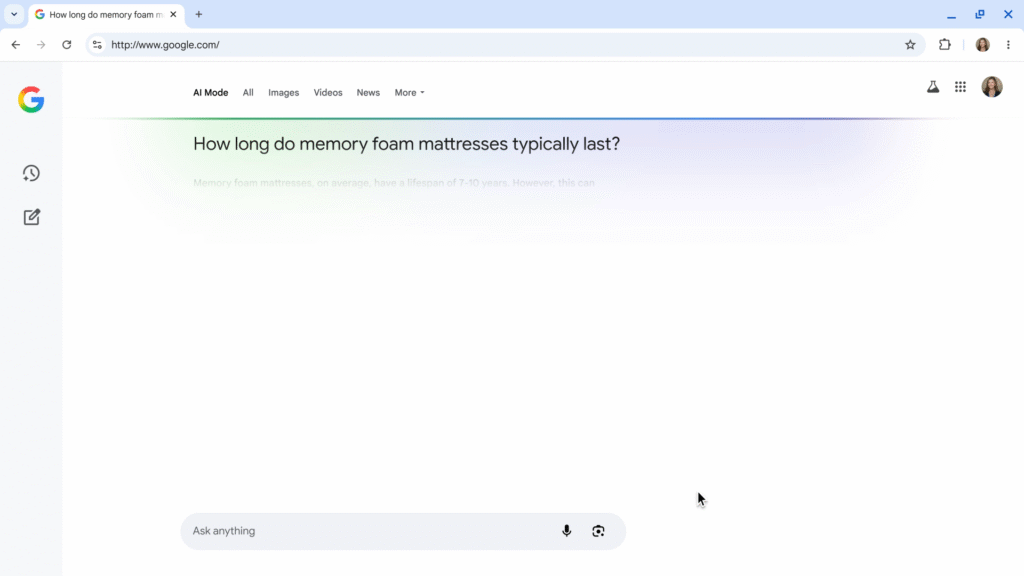
The address bar at the top of Chrome (where you type google.com) is getting an “AI Mode.”
This means you can type much longer, more complex questions directly into the bar. Instead of just typing “best laptops,” you could ask, “What’s a good laptop for a college student who also likes casual gaming and has a budget of $800?” You’ll get a detailed, AI-powered answer right from your search bar.
7. Ask Questions About Your Current Page
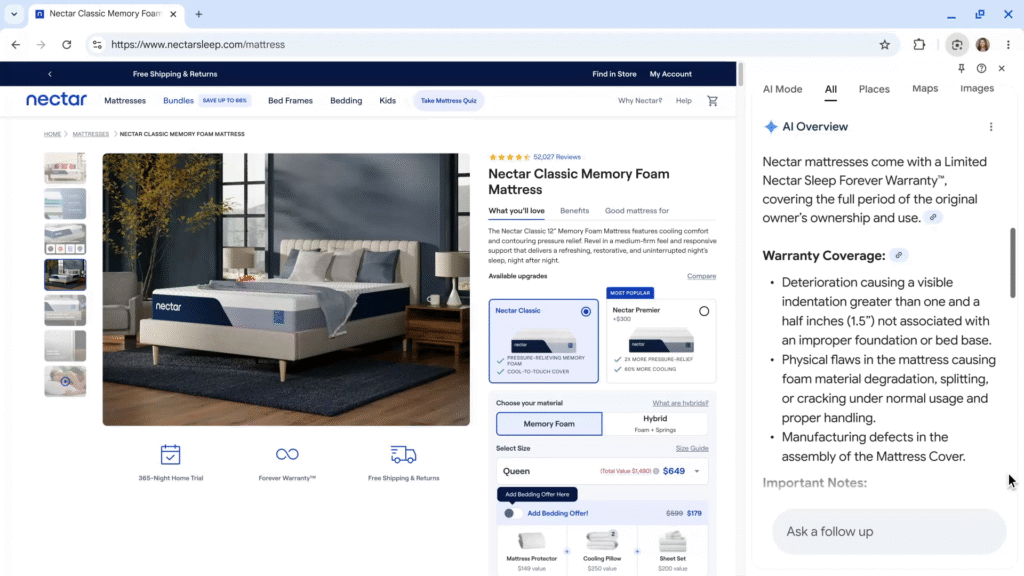
Similar to the Gemini side panel, you can also ask questions about the page you’re on right from the address bar.
When you click the bar, Chrome might suggest questions based on what you’re reading. If you ask a question, a side panel will open with an “AI Overview” answering you, so you don’t have to leave the page to get more information.
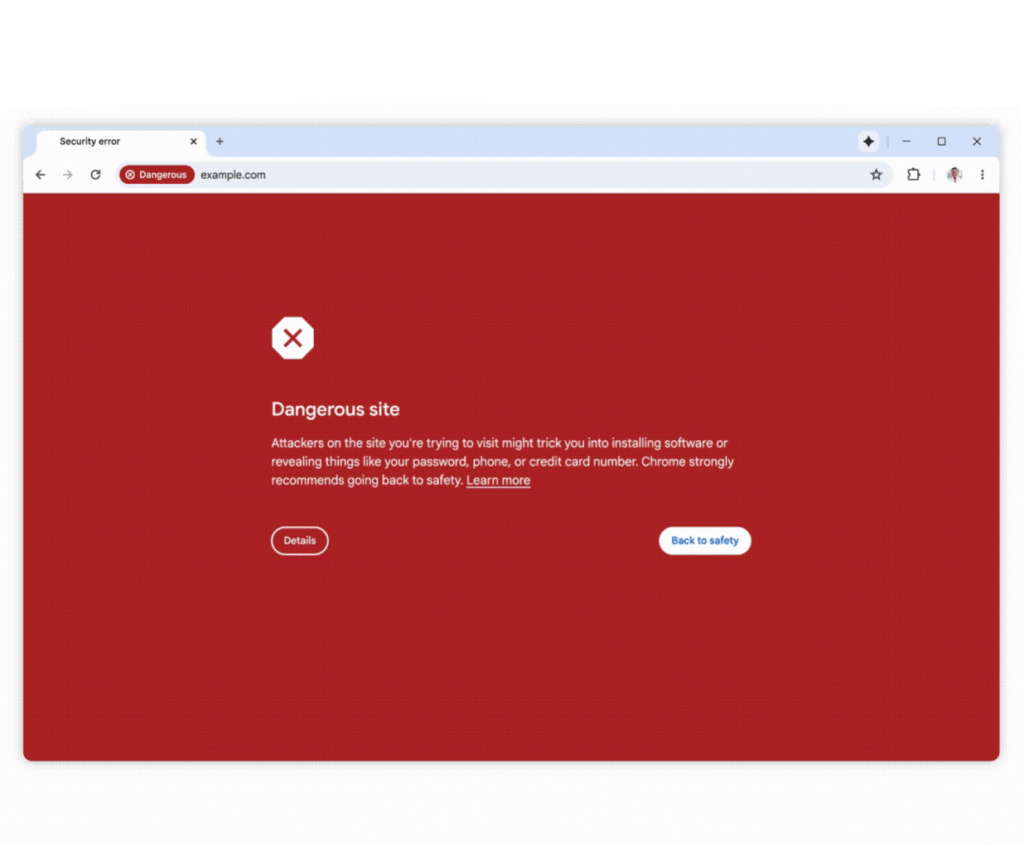
8. Better Protection from Tricky Scams
Google is using its latest AI (called Gemini Nano) to make Chrome’s “Enhanced Protection” mode even safer.
It will now get better at spotting and blocking more sophisticated scam websites. This includes those annoying pages that use fake virus warnings or “You’ve won a prize!” giveaways to try and trick you into downloading harmful software or giving away your information.
9. An End to Annoying Pop-Ups
This update tackles two big annoyances:
- Spammy Notifications: Chrome will now use AI to detect if a website’s notification requests are likely to be spammy or unwanted. It will then automatically hide them so you’re not distracted.
- Unwanted Permissions: Some sites are too aggressive about asking for your location or camera. The AI will learn your preferences and if it thinks you’re likely to say “no,” it will show the request in a much less intrusive way.

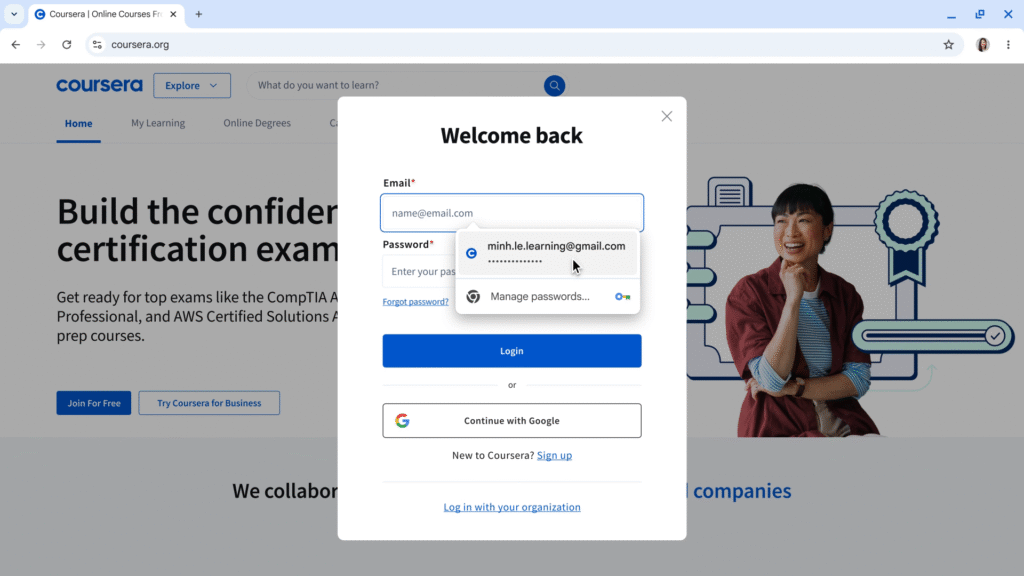
10. Change Stolen Passwords in One Click
Chrome can already warn you if one of your saved passwords was leaked in a data breach. Now, it will help you fix it instantly.
For supported sites (like Spotify, Duolingo, H&M, and more), Chrome will show a “Change password” button. The AI will act as a “password agent,” automatically going to the site, filling out the “change password” form, and creating and saving a new, strong password for you. All with a single click.