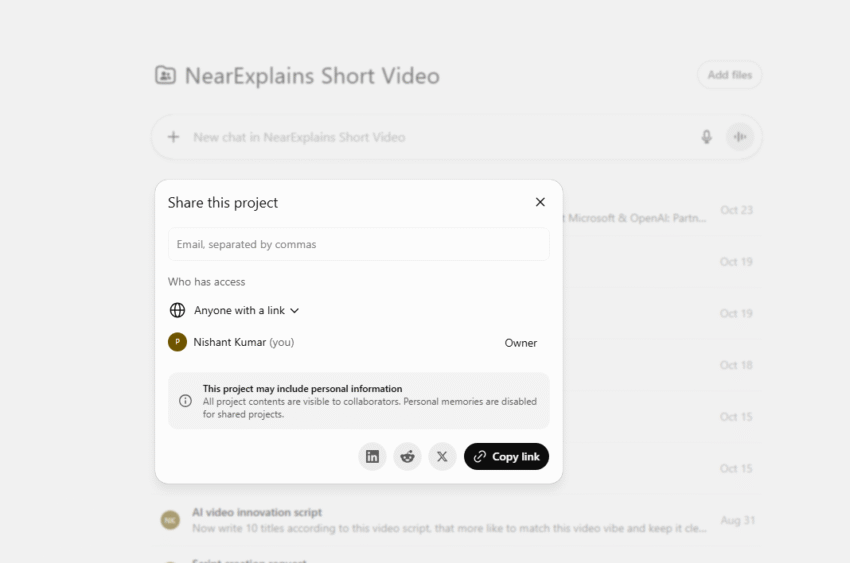
Until now, using ChatGPT has mostly been a one-person show. You have your own account with your own list of chats. If you wanted to work with someone, you’d have to copy and paste your conversations or share screenshots.
OpenAI, the company behind ChatGPT, just announced a huge update that changes this. They are expanding a feature called “Shared Projects,” and it’s now becoming available for all users, including those on the Free, Plus, and Pro plans.
In simple terms, ChatGPT is no longer just a personal assistant; it’s now a shared workspace where you can invite people to work together.
OpenAI is expanding Shared Projects to all users, including Free, Plus, and Pro tiers.
— NearExplains AI (@nearexplains) October 23, 2025
This update lets you invite others to collaborate directly in ChatGPT, sharing chats, files, and instructions in one workspace. pic.twitter.com/wqF0oqqCmS
What Are ‘Shared Projects’ in Simple Terms?
Think of a Shared Project as a special folder you create inside ChatGPT. But instead of just holding your own chats, you can invite other people into this folder to work with you.
As the official announcement says, it’s one central place where everyone you invite can see and use the same “shared chats, files, and instructions.”
Let’s break down what that means, using the wedding planning example shown in the announcement:
- Shared Chats: Imagine you and a friend are planning a wedding. Inside your “Wedding” project, you can have multiple, separate conversations that everyone can see. As the image shows, you might have one chat for “Dance floor vibes” (planning music), another for “Ceremony research,” and a third for “Venue shortlist.” This keeps everything organized instead of having one giant, confusing chat.
- Shared Files: This is a massive upgrade. You can upload files directly into the project. For the wedding, this could be a PDF of a venue contract, a spreadsheet for the budget, or photos of flower ideas. Everyone in the project can access these files, so you don’t have to email them back and forth.
- Shared Instructions: This is the most powerful part. You can give the AI a set of “ground rules” for the entire project. For example, you could set an instruction like: “We are planning a wedding for 100 people in June. The theme is rustic and the budget is $10,000.”
Now, anyone in the project can ask the AI, “Find some venue ideas,” and the AI will automatically use those shared rules to give answers that are for 100 people, in a rustic style, and within the $10,000 budget. You don’t have to re-type the details every single time.
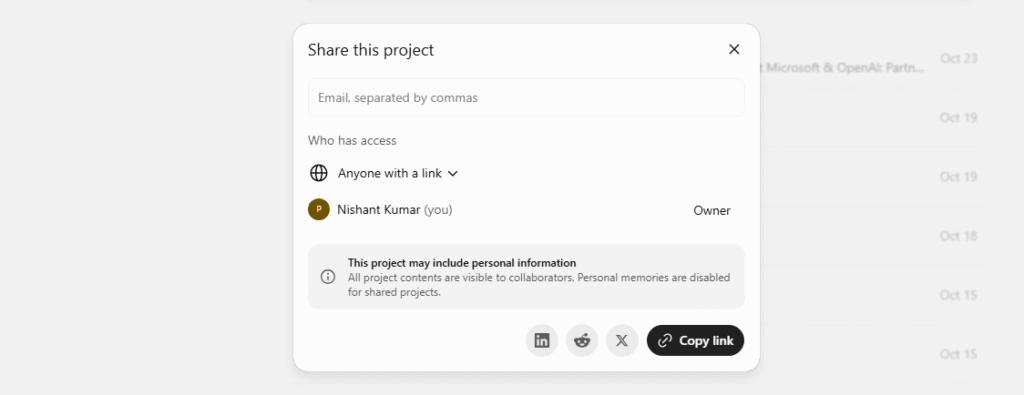
Why Is This a Big Deal for a Non-Tech Person?
This update is important because it makes AI much more useful for everyday group tasks.
- For Personal Use: You can plan a group vacation with friends (sharing flight options and hotel links), organize a family event (like the wedding example), or work on a school project with classmates.
- For Work: Small teams can use it to brainstorm ideas for a new product, draft a marketing email together, or analyze a report.
The best part is that by making this available to free users, OpenAI is allowing everyone to try it, not just paying customers. It makes ChatGPT a much more collaborative and organized tool for getting things done as a group.
Source: OpenAI