
You know ChatGPT as the smart AI you can chat with. But what if, instead of just talking to you, it could do things for you on the internet? That future might be closer than you think, as recent clues suggest OpenAI, the creator of ChatGPT, is secretly building its own web browser with AI at its very core.
Let’s break down what’s happening in simple terms and explore why this is such a big deal.
The Secret Clues in the Code
Recently, tech enthusiasts digging into ChatGPT’s web code found some fascinating hints. Think of a website’s code as its blueprint. Tucked away inside this blueprint, they discovered a new, hidden feature labeled “Use cloud browser”.
This option only appears when a special “Agent mode” is turned on. But the most revealing clue was a specific line of code designed to check what kind of browser is visiting the website.
Normally, your browser tells a website, “Hi, I’m Chrome on a Mac” or “I’m Edge on Windows.” This is called its “user agent.” The new code was specifically looking for a visitor that identified itself as “ChatGPT on a Mac using Chrome.”
This is not a normal identifier. The inclusion of “ChatGPT” strongly suggests that OpenAI is testing its own, custom-built browser that will work hand-in-hand with its AI.
What is “Agent Mode” and an “AI Agent”?
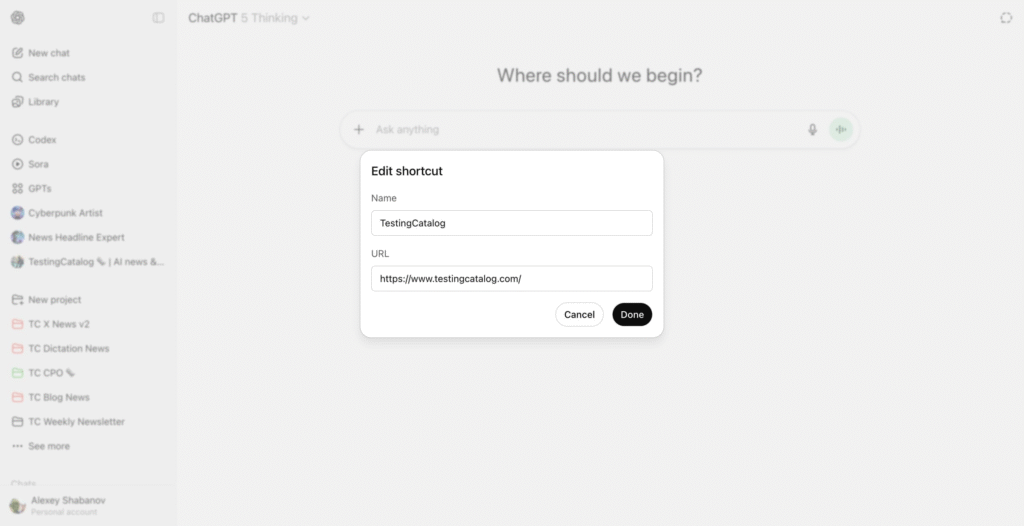
This is where things get really exciting. The term “Agent” in AI refers to a program that can do more than just answer questions. An AI Agent can take your requests and perform a series of actions to accomplish a goal.
Think of it like this:
- Current ChatGPT is like a brilliant librarian. You can ask it, “What are the best flights from Delhi to Mumbai next Tuesday?” It will search the internet and give you a list of options.
- A ChatGPT Agent is like a personal travel assistant. You could tell it, “Book me the cheapest non-stop flight from Delhi to Mumbai for next Tuesday, use my saved credit card, and check me in as soon as it’s available.” The Agent would then navigate the airline’s website, fill in the forms, make the payment, and complete the entire task for you.
This new “Agent mode” in the leaked “ChatGPT Browser” would be the control center for this powerful assistant.
Cloud Browser vs. Your Browser
The leaked option lets users choose between their own browser and a “cloud browser”. What’s the difference?
- Controlling Your Browser: The AI Agent could take over the browser you have open on your screen to complete tasks. You would see it clicking, typing, and navigating websites.
- Using a Cloud Browser: The AI Agent would perform the tasks on a powerful computer in OpenAI’s data centers (the “cloud”). It would do all the work in the background without interrupting what you’re doing. Once the task is done, it would simply present you with the result. This would likely be much faster and more powerful.
Why Build a Whole New Browser?
You might be wondering, “Why not just make a Google Chrome extension?” By building its own browser, OpenAI gets to write the rules.
An AI built directly into the browser (natively) would have a much deeper understanding of web pages. It wouldn’t just see text and images; it could understand the structure—where the login buttons are, how the checkout forms work, and what different parts of the page mean. This deep integration would make the AI Agent far more reliable and capable than a simple extension could ever be.
According to the leaks, this new browser might be codenamed “Aura” and is expected to be released for macOS users first.
What This Means for You
The internet has largely been a manual experience. You think of something you want to do, and you perform the clicks and keystrokes to get it done. An AI-powered browser from OpenAI could change everything.
Instead of you browsing the web, you could simply tell your AI Agent your goal, and the browser would do the heavy lifting. This would shift us from actively using the web to simply directing an intelligent assistant that uses it for us. While it’s still in the early stages, this leak gives us a thrilling glimpse into a future where your browser isn’t just a window to the internet, but an active partner in getting things done.
Source: testing catalogs news