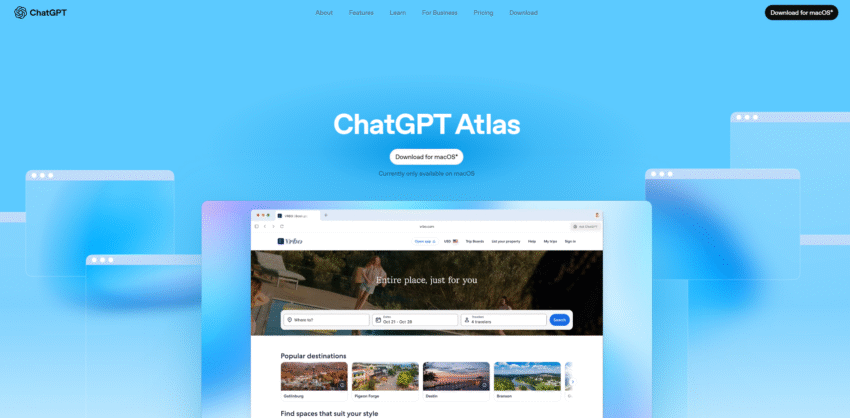
You’re already familiar with web browsers like Google Chrome, Safari, and Firefox. They are your windows to the internet. Now, OpenAI, the company that created ChatGPT, has built its very own browser called ChatGPT Atlas.
Think of it as a web browser designed from the ground up with a powerful AI assistant built directly into its core. It’s not just a browser with an AI chatbot added on; the entire experience is built around the AI.
As of its launch, ChatGPT Atlas is available for Apple’s macOS (computers like MacBooks and iMacs), with versions for Windows, iOS (iPhone), and Android in development.
Meet our new browser—ChatGPT Atlas.
— OpenAI (@OpenAI) October 21, 2025
Available today on macOS: https://t.co/UFKSQXvwHT pic.twitter.com/AakZyUk2BV
The “Superpowers” of ChatGPT Atlas
So, what makes Atlas different from the browser you already use? It has a few major new features, especially “Agent Mode.”
1. Meet Your “AI Agent”: A Browser That Clicks for You
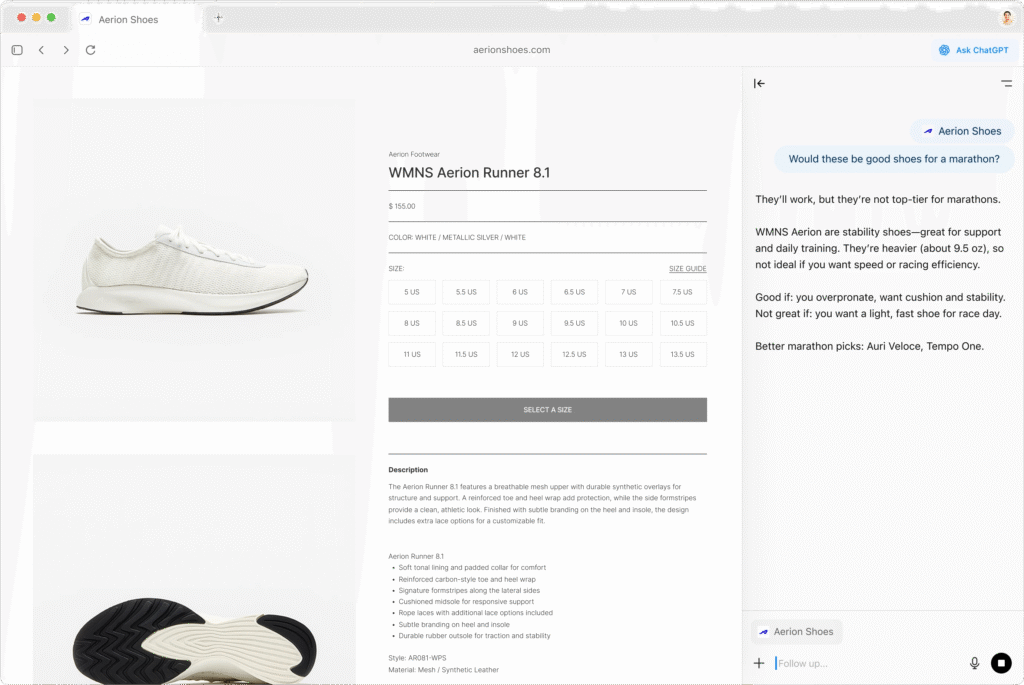
This is the most exciting feature. Atlas has a native “Agent Mode.”
Imagine you want to book a flight. Normally, you’d go to a travel site, type in your departure city, destination, dates, click “search,” wait for the results, then click on the best option, and so on.
With Agent Mode, you can just tell the browser (in plain English), “Find me the cheapest flight from New York to London next Tuesday.”
The “Agent” will then navigate the web page for you in a special tab. You can watch it as it visits the site, fills in the forms, clicks the search button, and finds the information you asked for. This is a huge step toward an AI assistant that can complete tasks, not just answer questions.
2. “Memory Recall”: A Browser That Remembers You
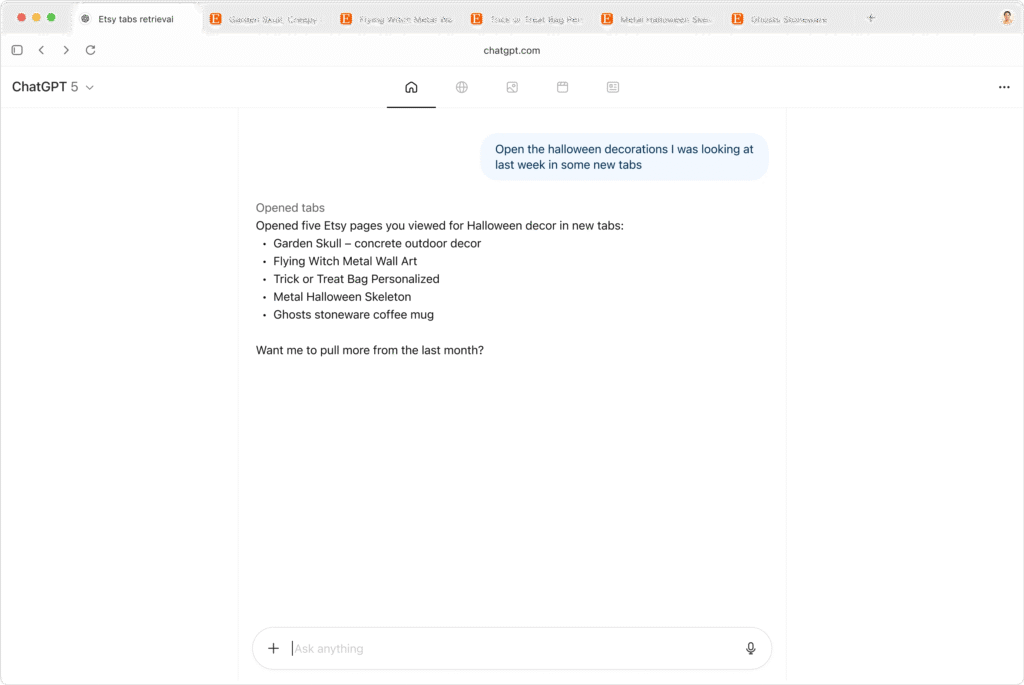
Atlas is fully integrated with ChatGPT and features “Memory recall.”
This means the browser remembers your previous conversations and preferences. When you ask it a new question, it can use that context to give you a much more relevant and personalized answer. It learns from your interactions to be a more helpful assistant over time, so you don’t have to repeat yourself.
3. “ChatGPT Search”: Answers, Not Just Links
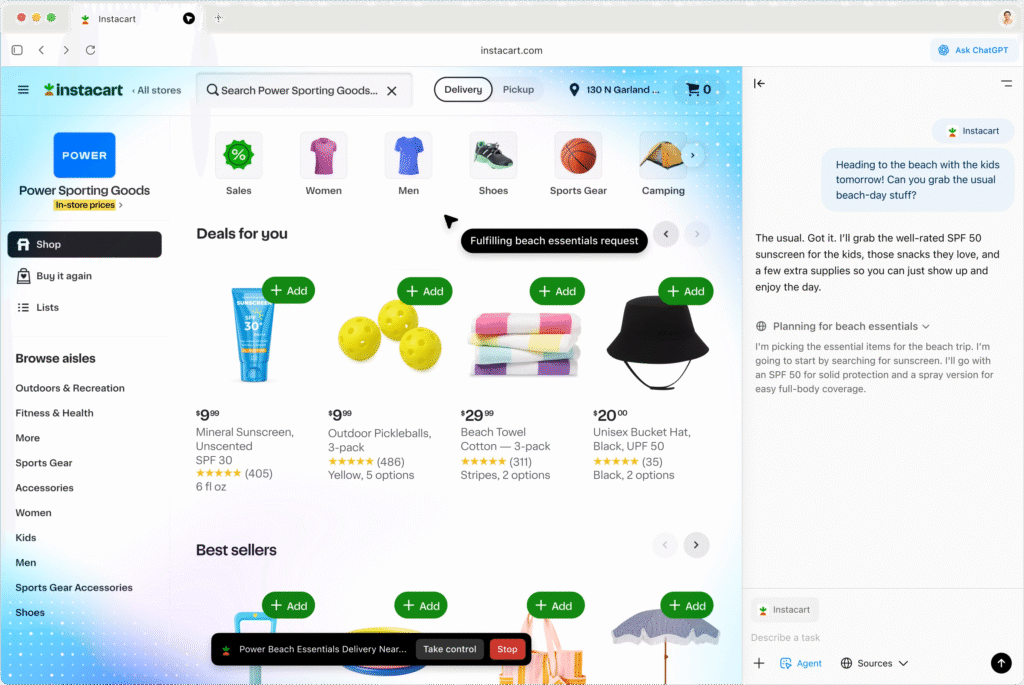
When you search in Atlas, you’re not using a traditional search engine. It’s “powered by ChatGPT search.”
This means instead of just getting a list of blue links, you’re more likely to get a direct, summarized answer to your question, pulled from the web and compiled by the AI.
Is It Just a New Version of Chrome? Yes and No.
You might have seen people pointing out that Atlas is “Chromium-based.” This sounds technical, but it’s actually great news for regular users.
- What is “Chromium”? It’s the open-source “engine” that Google Chrome is built on. Many other browsers, like Microsoft Edge and Brave, also use it.
- Why is this good? It means that even though Atlas is brand new, it’s built on a foundation that is fast, secure, and familiar.
- The Best Part: It’s compatible with all the extensions from the Chrome Web Store. So, if you use popular extensions like ad-blockers, password managers, or grammar-checkers, you can easily add them to ChatGPT Atlas.
Who Can Get It and How?
OpenAI has made ChatGPT Atlas available immediately for all users on macOS, from Free users to paying Plus, Pro, Go, and Business customers. As mentioned, other platforms like Windows and mobile are coming soon.
What Are People Saying? First Impressions Are Mixed
The launch of ChatGPT Atlas created an immediate buzz online. The setup process itself, which shows users how long they’ve been a ChatGPT member, was called “instantly viral” by some.
However, after downloading, user opinions have been strongly divided.
On one hand, some users are finding its “Agent Mode” to be a game-changer. One user demonstrated how they used it to perform a complex SEO (Search Engine Optimization) audit. They noted that while the process was “slow,” it worked quietly in the background and was “pretty damn useful.”
On the other hand, many users are not impressed. Several prominent tweets show users quickly giving up on the browser. Posts captioned “me after 10 mins of ChatGPT Atlas Browser” show the app icon being dragged to the trash. Another user stated bluntly, “changed my mind, it’s trash, back to chrome.” It seems that for many, the new AI features don’t yet outweigh the speed and familiarity of their current browsers.
Source: OpenAI